Same idea. Better prompt.

Learn to prompt AI video and AI photos the clear way, then let Link run your socials.

Link read 0 of 6 parts
AI video
Your prompt0 of 6 parts
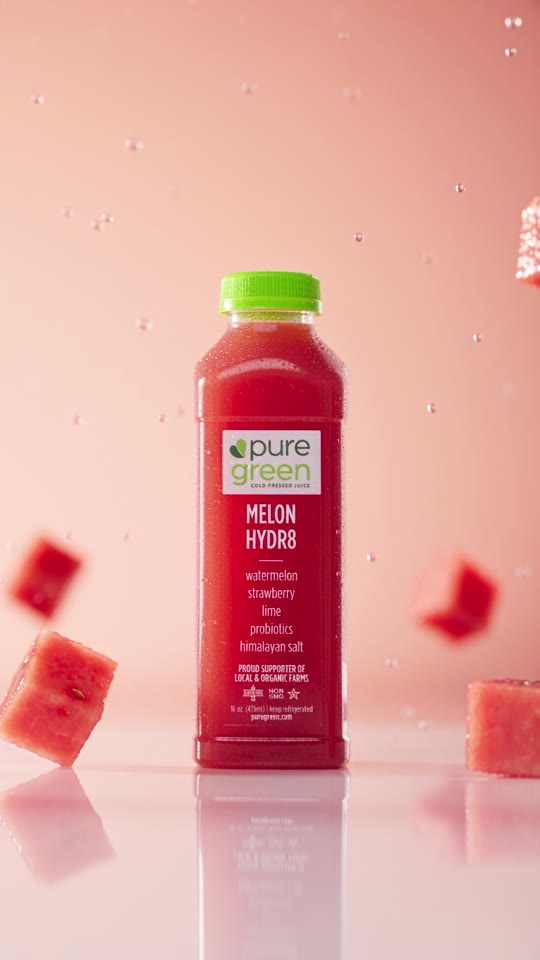
A video of our watermelon juice.

Prompts are course examples. The video and photo are AI work our team made for Pure Green, shown to explain the idea.

Three parts. One way of prompting.

Each part builds on the one before it, so by the end you write prompts for video, photos and Link the same clear way.

Part 01

Prompting for AI video

Write prompts that give you the shot you pictured, not a random clip.

  • Build a prompt from six parts: subject, action, camera, light, style and length
  • Describe camera moves in words a video model follows
  • Keep a person, product or place the same from shot to shot
  • Fix a bad clip by changing one part at a time
Part 02

Prompting for AI photos

Get product shots, food photos and portraits that look like your brand.

  • Describe light, lens and setting so a photo looks real
  • Keep your brand colours and style the same across a whole set
  • Write for each place it will run: feed, story, ad and banner
  • Fix an image with a follow up prompt instead of starting over
Part 03

Running your socials with Link

Brief Link, the Linkme AI agent, like you would brief a great social media manager.

  • Ask Link for posts, carousels and stories in plain words
  • Give the goal, the audience, the offer and the timing in one message
  • Set up DM automations that answer comments and keywords for you
  • Plan a week of posts and approve them before they go out

How Link uses a good brief

Link reads your message the way a social media manager reads a brief. The more it knows, the less you fix after.

  • Say the goalTell Link what the post is for: a launch, a booking, a sale. It plans the post around that.
  • Name the audienceRegulars, new followers or people who never bought. The caption changes with who it is for.
  • Give the timingAdd the day and time and Link schedules it, so the post goes out when you planned.
LinkYour AI Social Media Manager
Make a carousel for our fall drop, live Friday at 10 AM. Lead with the hoodie, keep the caption short and fun, and schedule it for Friday at 9:45 AM.
On it. Here is what I did:
  • Read your last 30 posts
  • Picked 4 photos from your library
  • Wrote the caption in your voice
ScheduledFriday, 9:45 AM

Who it is for

Anyone who makes content for a brand and wants it to look the way they pictured it.

You already use Linkme

Get more out of Link with briefs that say what you want the first time.

You run social for a business

Make your own video and photo content and keep it on brand.

You run social for clients

Give your team one way to prompt, so every client gets the same quality.

Questions, answered

Do I need a Linkme account?
Parts one and two teach prompting that works with the AI video and photo tools you already use. Part three is about Link, so you get the most from it with a Linkme account.
Do I need to know anything about AI first?
No. The course starts from an empty prompt box and builds up one part at a time.
Will it work for my kind of business?
A good prompt is built the same way for a restaurant, a gym, a shop or a creator. Only the details change, and the course shows you which ones.
How do I join?
Book a call with the Linkme team. We answer your questions and get you set up.

Better prompts, better posts.

The full course: AI video, AI photos and running your socials with Link.