









Ask Link. Approve every change.

Link edits your page, answers from your analytics, drafts your posts and makes the images and videos. Nothing goes live until you approve it.

Real Linkme pages. Prompts, changes and figures are illustrative.

See it on your brand

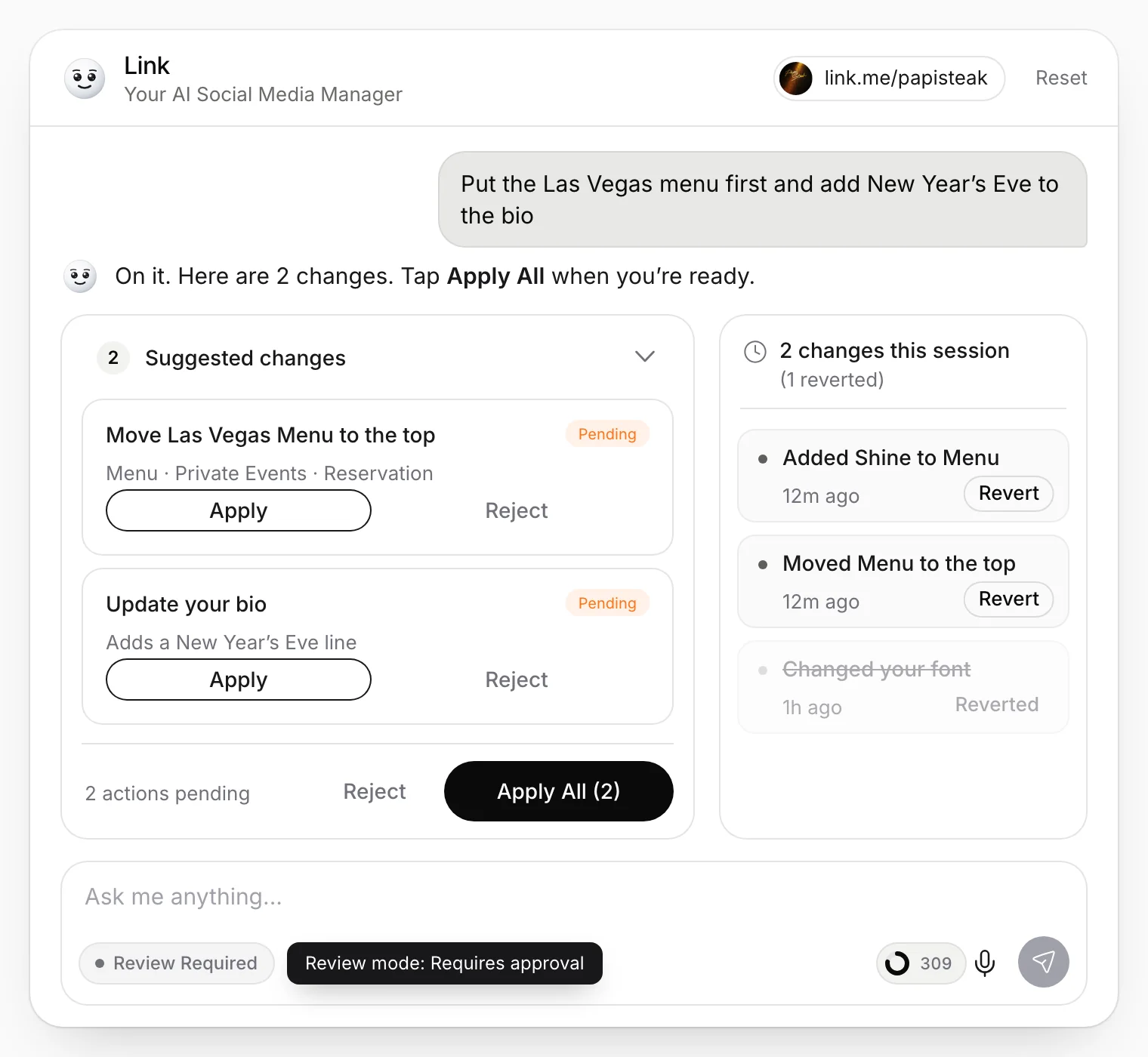
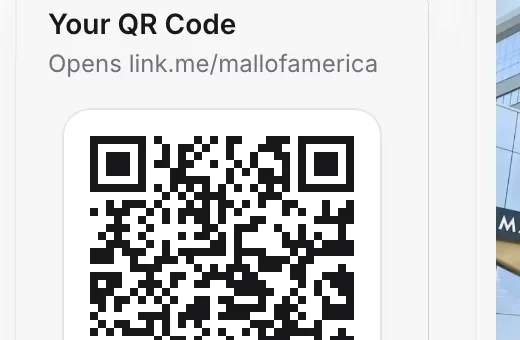
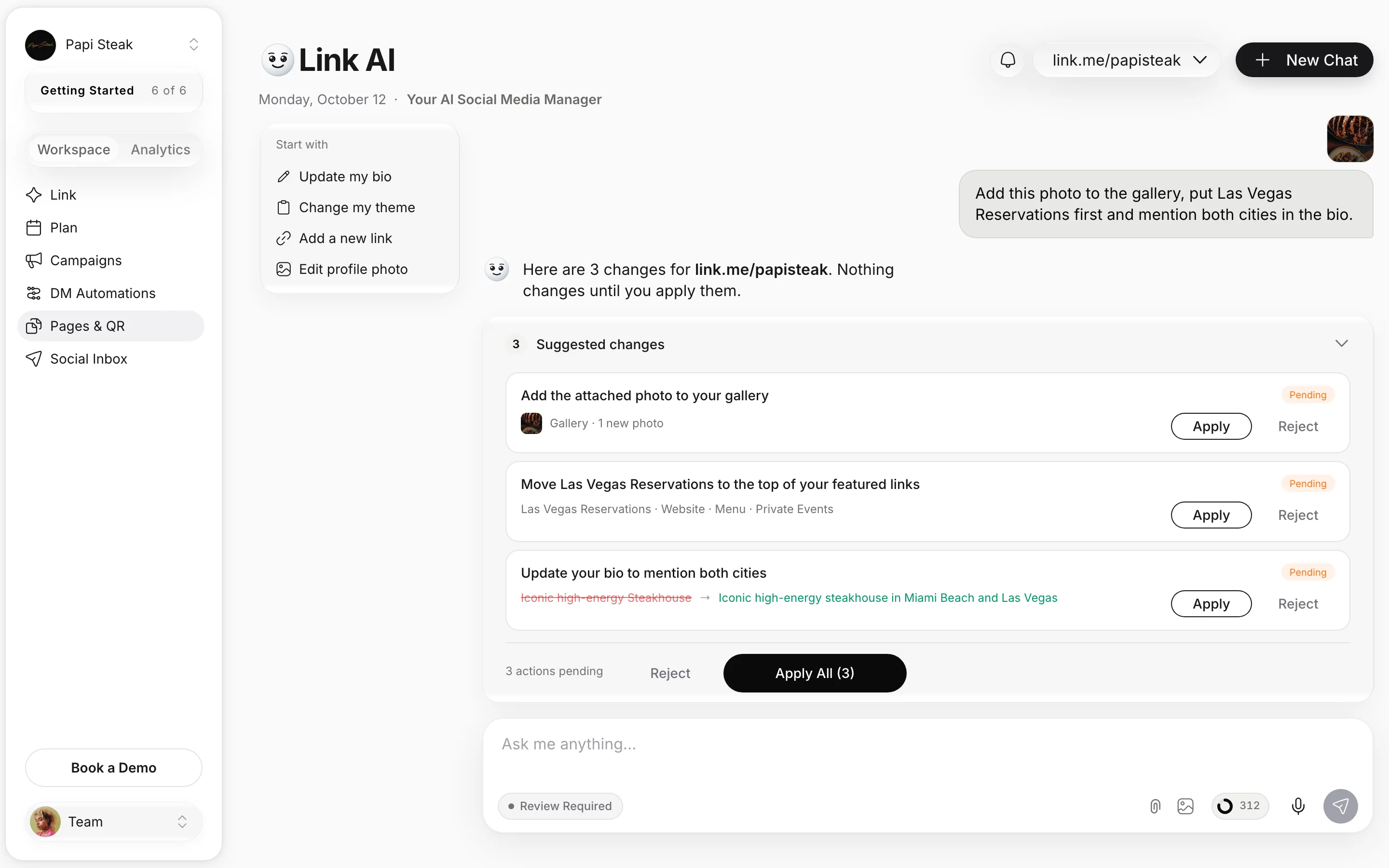
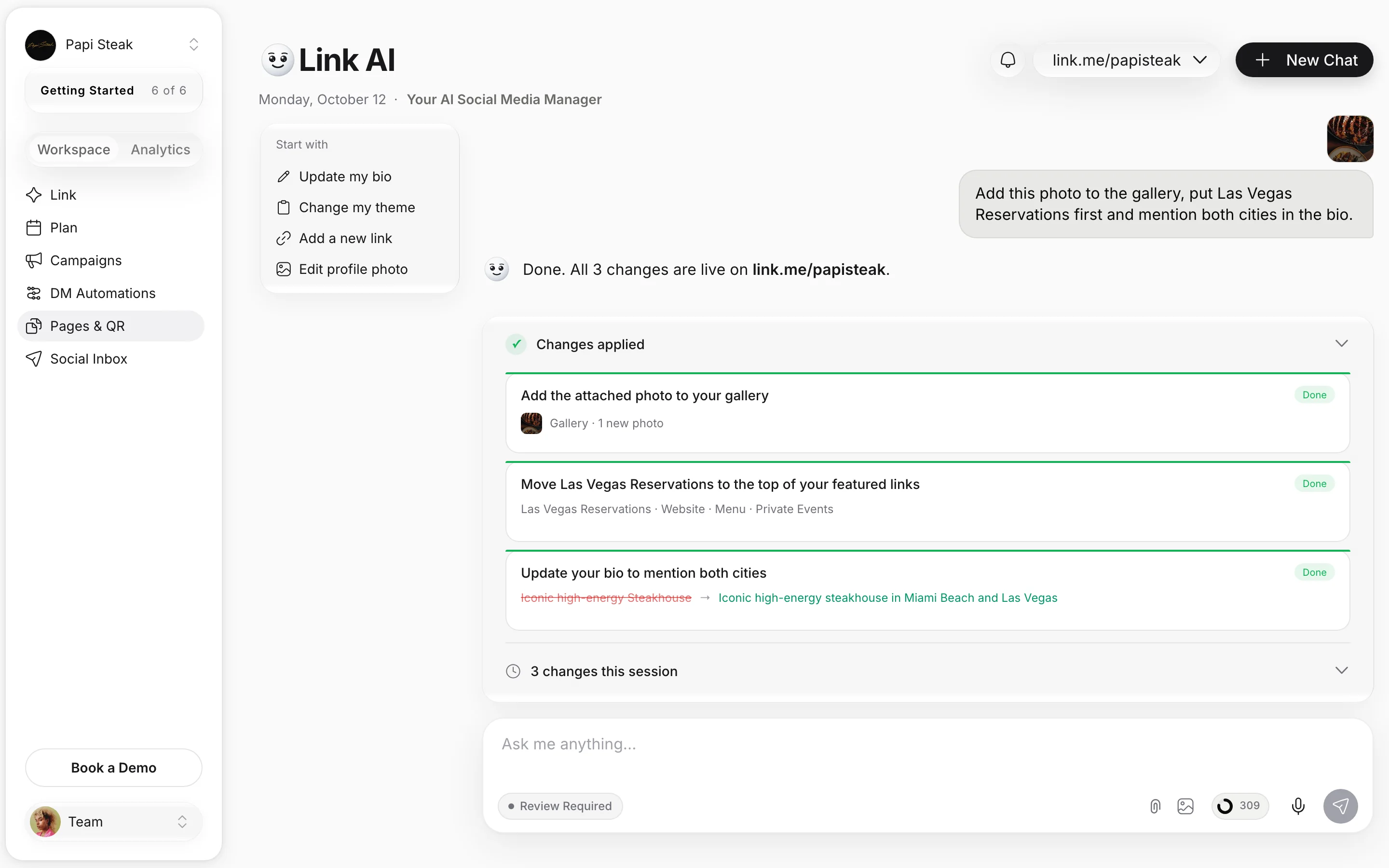
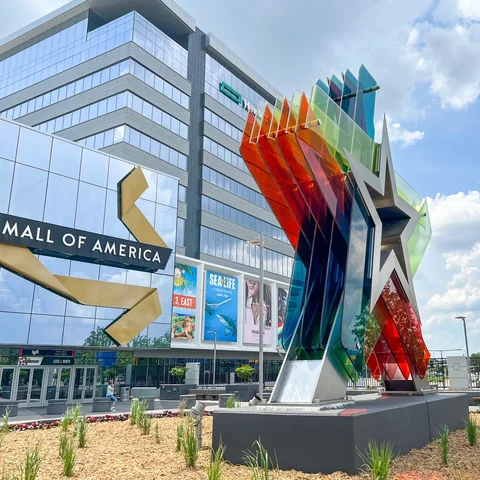
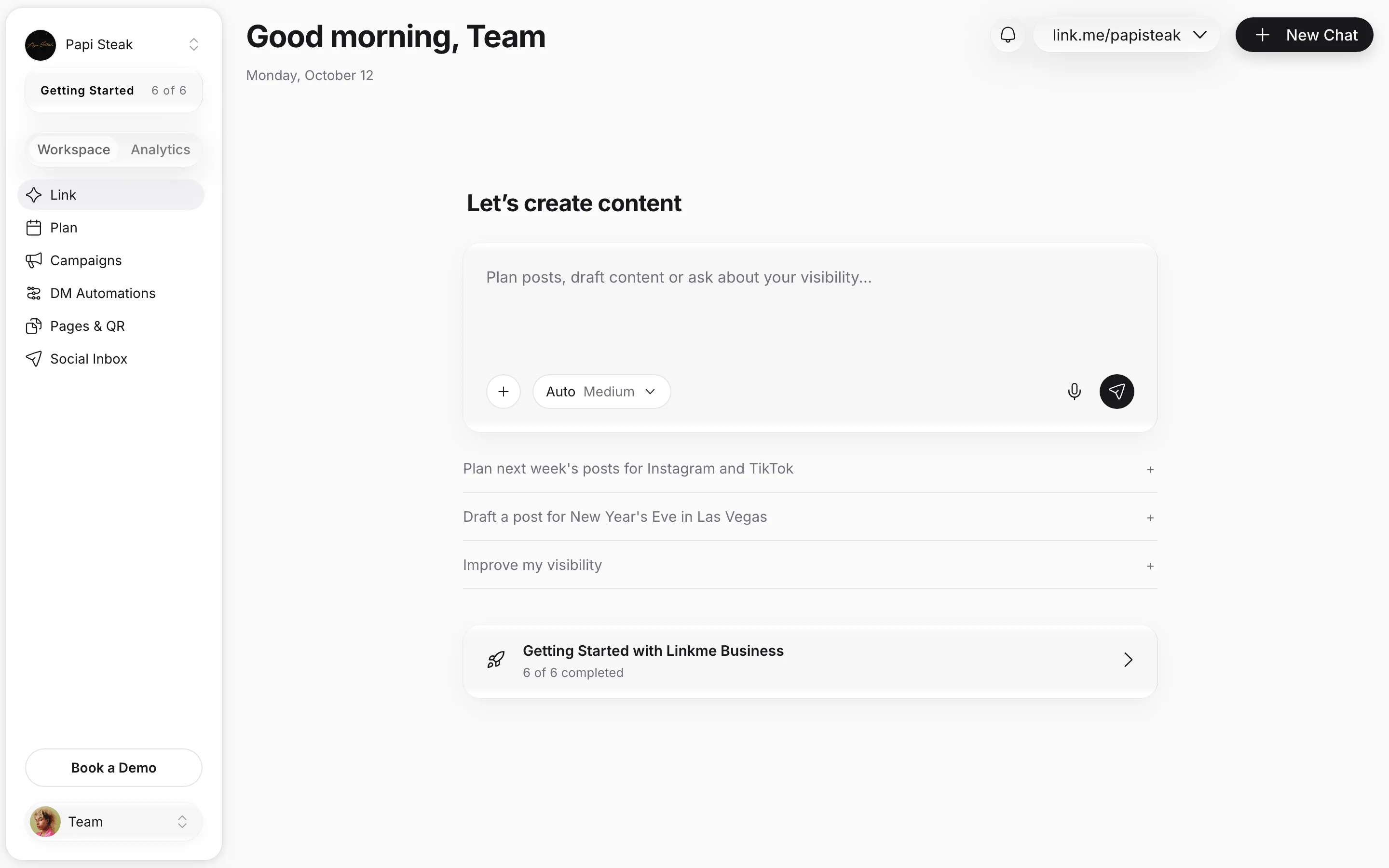
Four real Linkme pages, one request each. Papi Steak asks Link to put its Menu link first and make it shine, presses Approve and watches Menu move to the top of its real page, then asks which city clicked most and reads a city card. Mall of America moves Happenings at MOA to the top as a Big link. FIFA World Cup 26 asks where fans tapped its Official Tournament Hub from and reads a country card. Jason Derulo's team switches his page to dark and changes the font in a voice chat.

  1. 01Ask in plain wordsType it, or say it in a voice chat.
  2. 02See the changesEach one arrives as a card, with the before and after.
  3. 03Approve or not nowNothing changes until you press Approve.
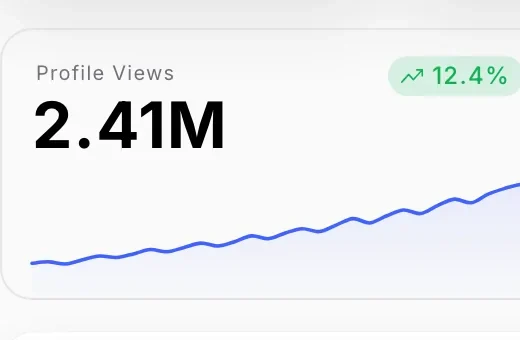
  4. 04Ask about your numbersAnswers come as cards from your own analytics.

Used by the brands people line up for

  • FIFA World Cup
  • Mall of America
  • Papi Steak
  • LIV Miami
  • New York Islanders
  • American Dream
  • Hard Rock Hollywood
  • MILA Miami

Everything Link does

Seven jobs on Papi Steak's page. Requests and figures are illustrative.

Real Linkme pages, the request each team would make, and the tile it changes or reads. Requests are illustrative.

You stay in control

Link never touches the page on its own. Each change arrives as a card marked Approval needed, and nothing on the page moves until you press Approve.

  • Every change arrives as a card first
  • Approve or Not now
  • Nothing moves until you press Approve
Your AI Social Media Manager

Link works on your page, your posts and your campaigns. Nothing goes live until you approve it.

On your page
Edits your page, answers from your analytics, finds anything in your dashboard and talks by voice.
Posts and campaigns
Drafts your posts and makes the images, videos and voiceovers. After you approve each step, it schedules posts and sets up automations.
Replies
Link never replies to comments or DMs itself. DM automations do the replying, and Link can set them up for you.

Doing it by hand, and asking Link

Three everyday jobs, side by side.

The jobBy hand, or with separate toolsWith Linkme
Changing your pageBy handOpen the editor, find the link, drag it, save, then check it on a phone.With LinkmeAsk in one sentence, read the card, press Approve.
Checking a numberBy handDig through the charts and work out the answer yourself.With LinkmeAsk the question. The answer comes as a card from your analytics.
Getting a post readyBy handWrite the caption, make the image, then post it to each network yourself.With LinkmeAsk for it. Link drafts the post and makes the image, and it goes out only when you tap Post.
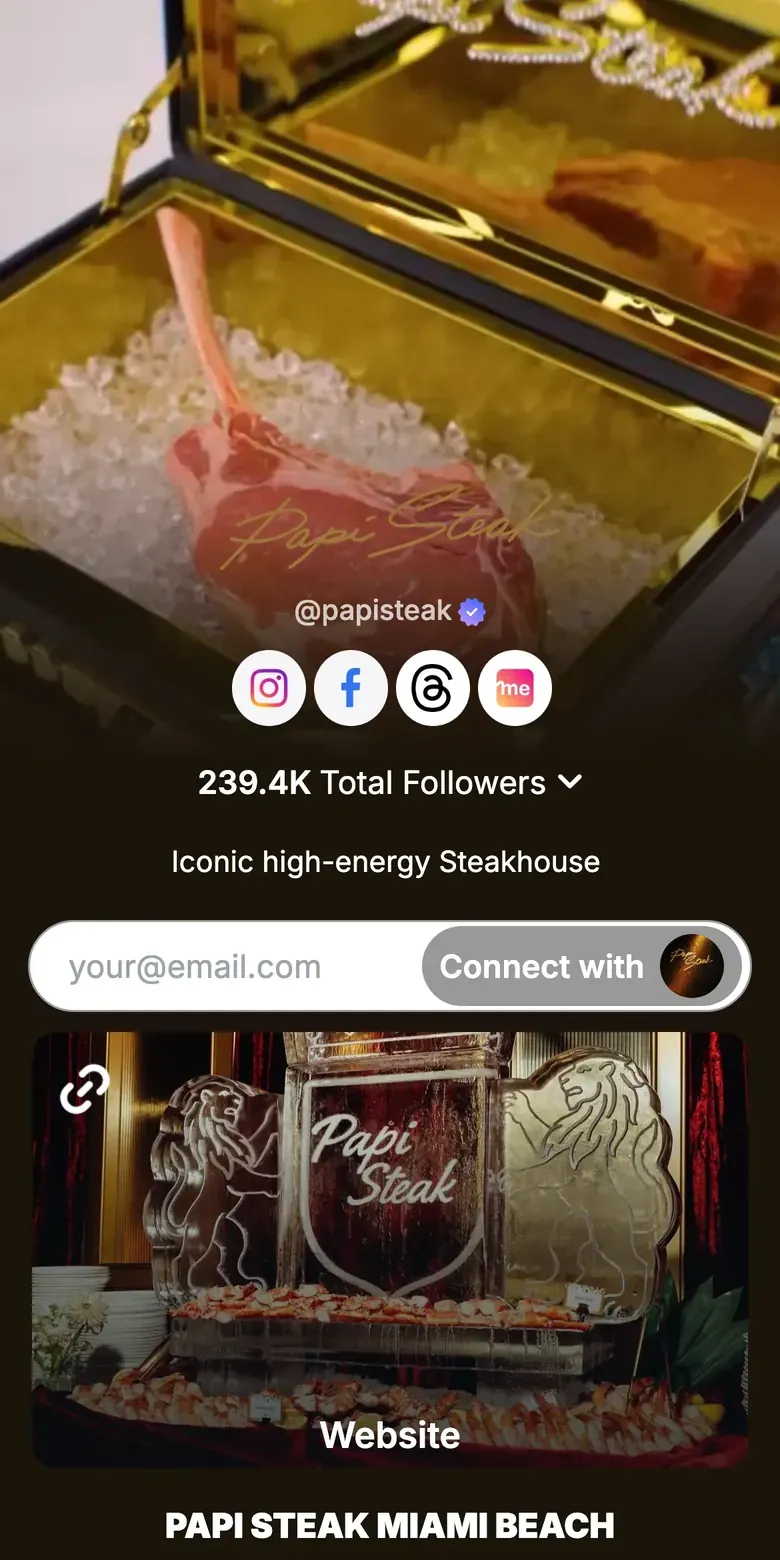
Papi Steak's live Linkme page

Two cities on one page, a new top link every week

Papi Steak runs Miami Beach and Las Vegas from one Linkme page: the website up top, then a menu, private events, reservations and about for each city, and an email sign up under the name. It is the kind of page where the right link at the top changes every week.

  • Miami Beach and Las Vegas on one page
  • Menus, reservations and private events for each city
  • The Menu first request in the hero above, made in one sentence
Read the Papi Steak storylink.me/papisteak

Questions about Link

Which plan includes Link?

Link is part of every Business package: AI Standard, AI Power Maxed and Enterprise. The work Link does for you uses AI credits, and the ring under the message box shows how many are left.

Is Link the same as Linkme AI?

Yes. In your Linkme dashboard it is called Linkme AI: the Linkme AI button at the foot of the sidebar opens it as a panel.

Can it change my page without asking?

No. Every change arrives as a card, and nothing on the page moves until you press Approve.

Does it see my analytics?

Yes, read only. It reads your page's analytics to answer you: real time activity, hourly and daily totals, comparisons with the last period, countries, cities, traffic sources and each link. Asking never changes your data.

What can it change on my page?

The bio, profile photo, username and visibility; the theme, font and style; links, including adding, renaming, reordering, removing, featured links, multilinks and hiding a link in chosen countries; and the header, gallery, merch, tracking pixels and video profile.

Can I send it a photo or a file?

Yes. Attach an image or a file to your message, for example a new photo for the gallery or a logo for the profile photo.

Can it set up automations or answer my inbox?

It can set up automations: Link drafts the automation and turns it on only after you approve it. It never replies to comments or DMs itself. DM automations do the replying, and your team answers the rest.

Can it create events or schedule a link?

No. Add events in the page editor or sync them from Bandsintown, and give a link a start and an end in the Link Scheduler.

Works with Link

Ask for the change. Approve it.

Book a 30 minute call with one of our experts and go live the same day.