Every location, its own page. One login over all of them.
Each brand, venue and location keeps its own Linkme page, link, QR code and leads. Your team runs them all from one account, with the right access for every manager.
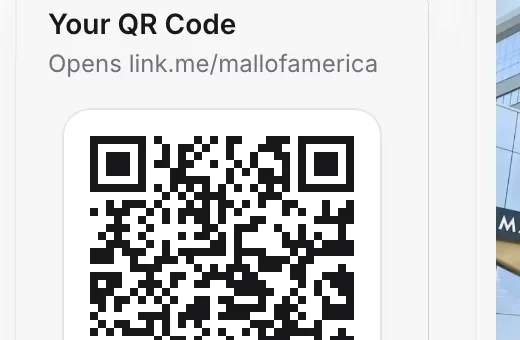
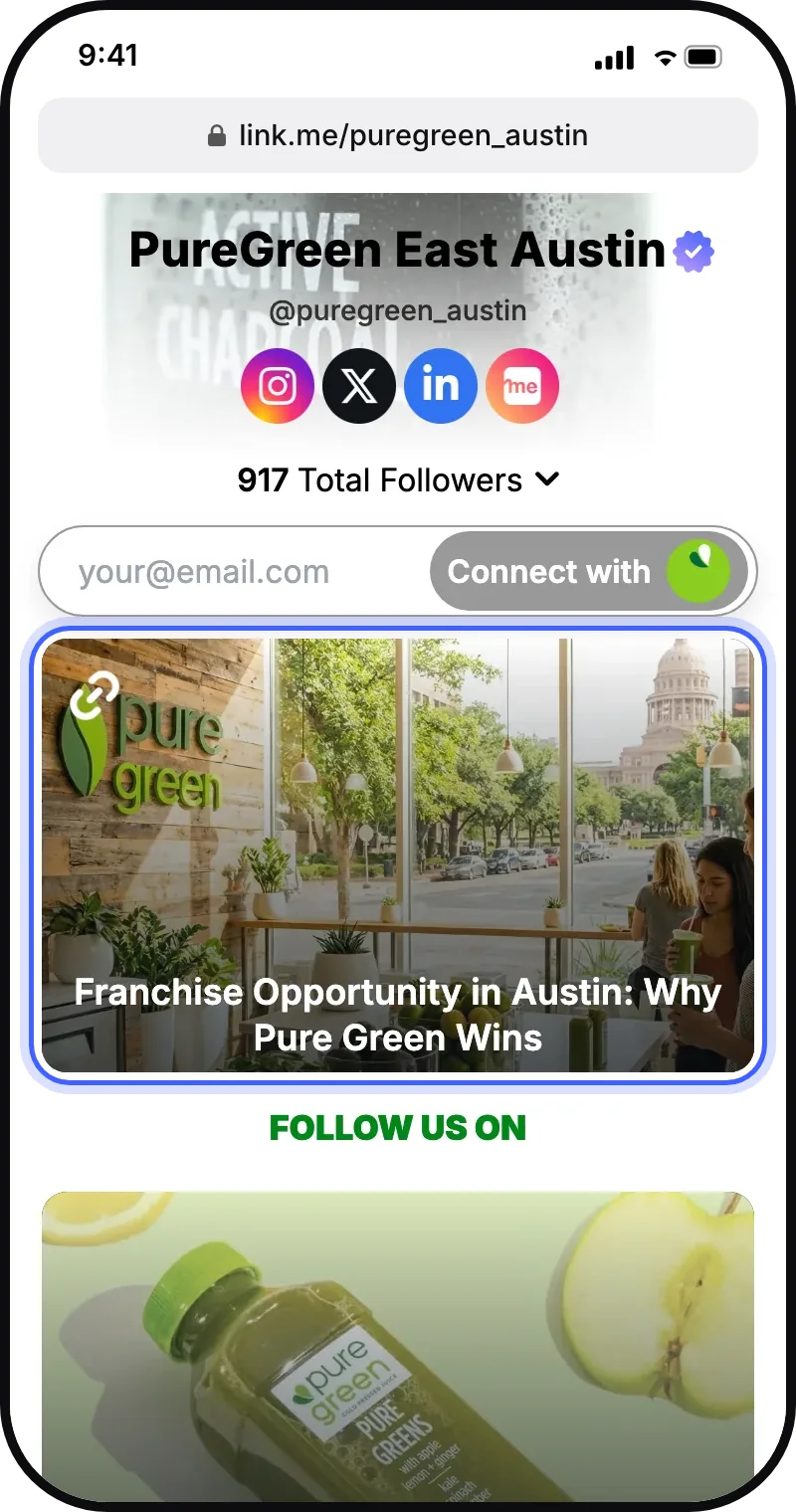
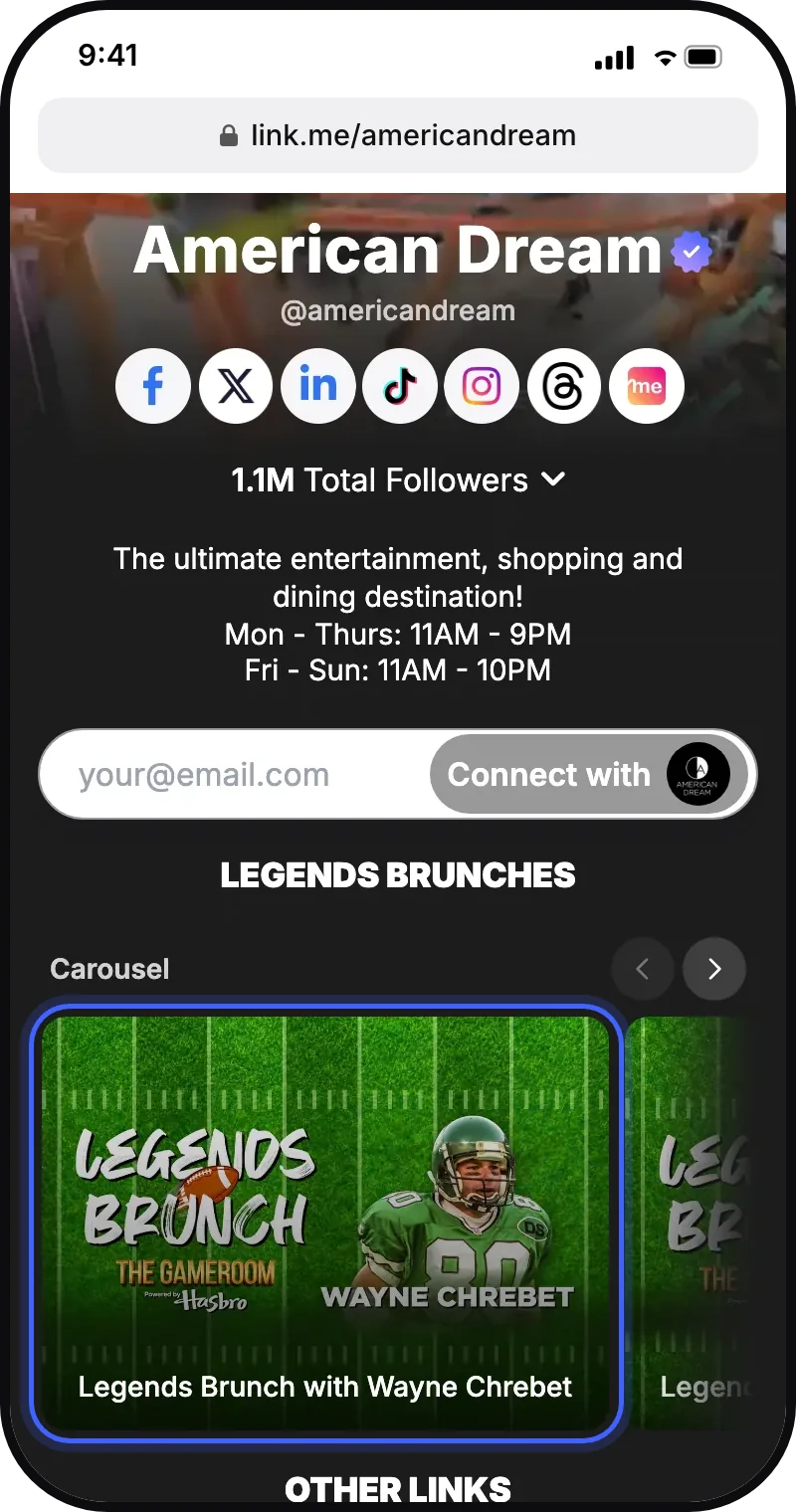
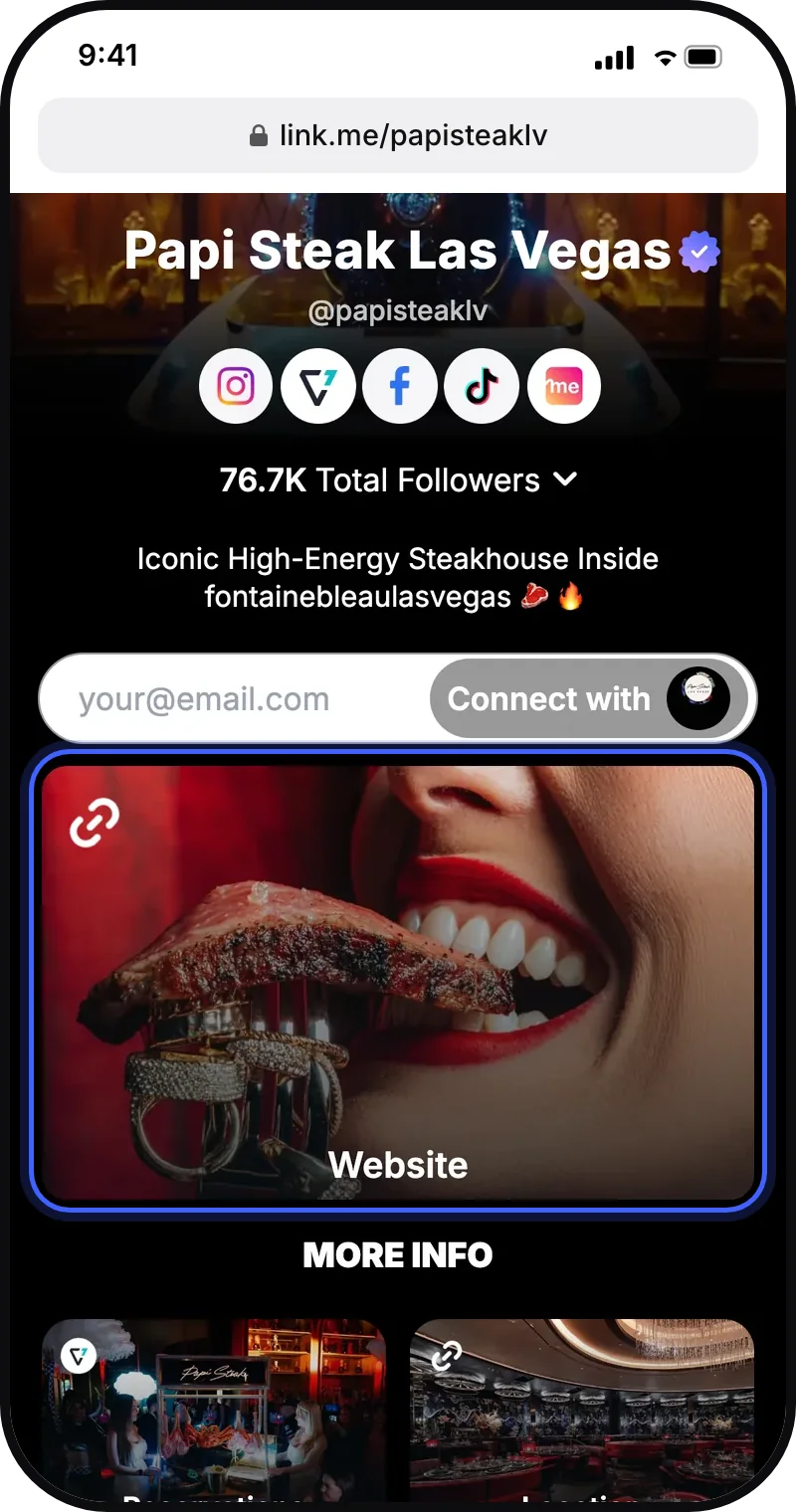
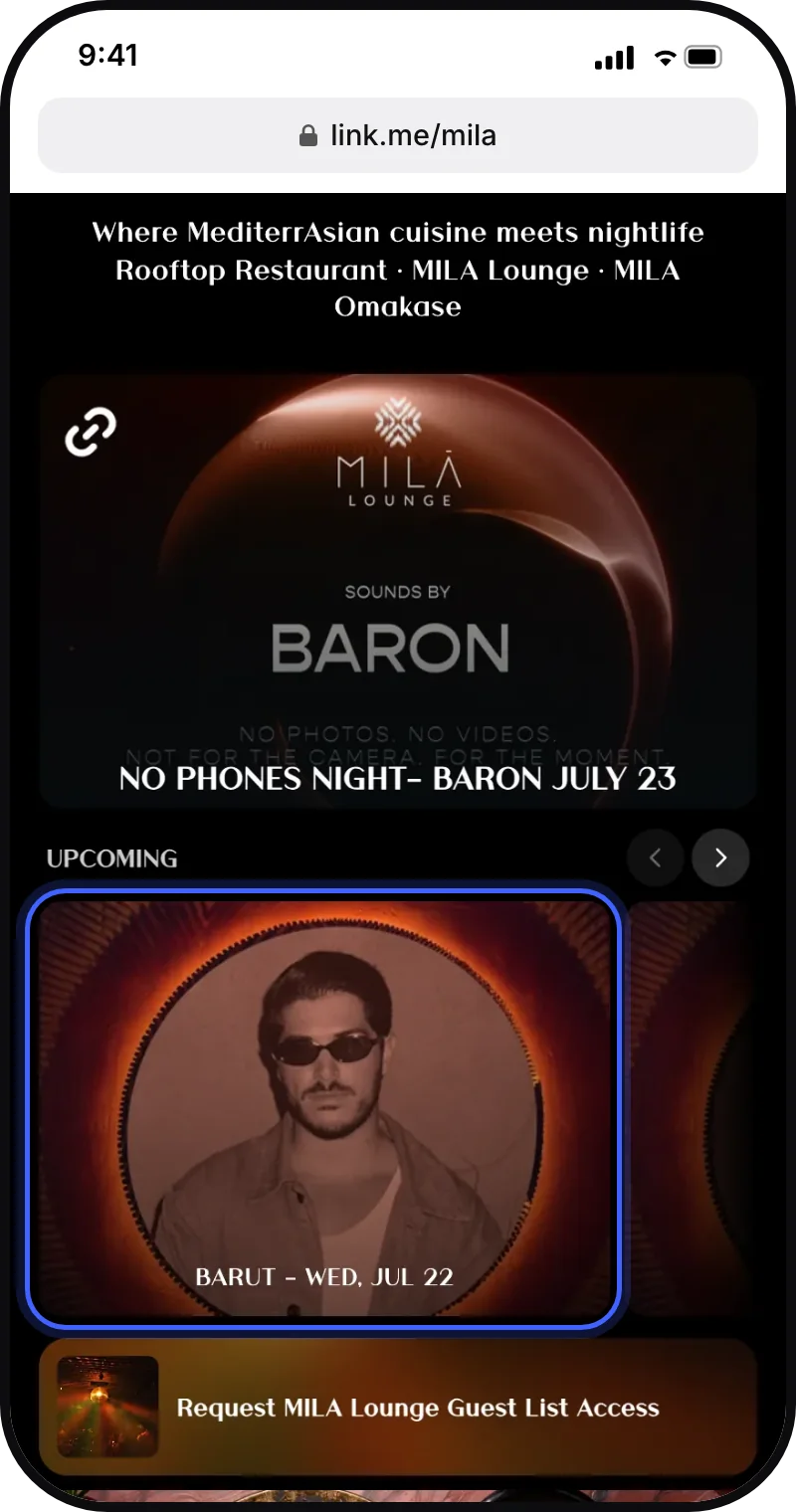
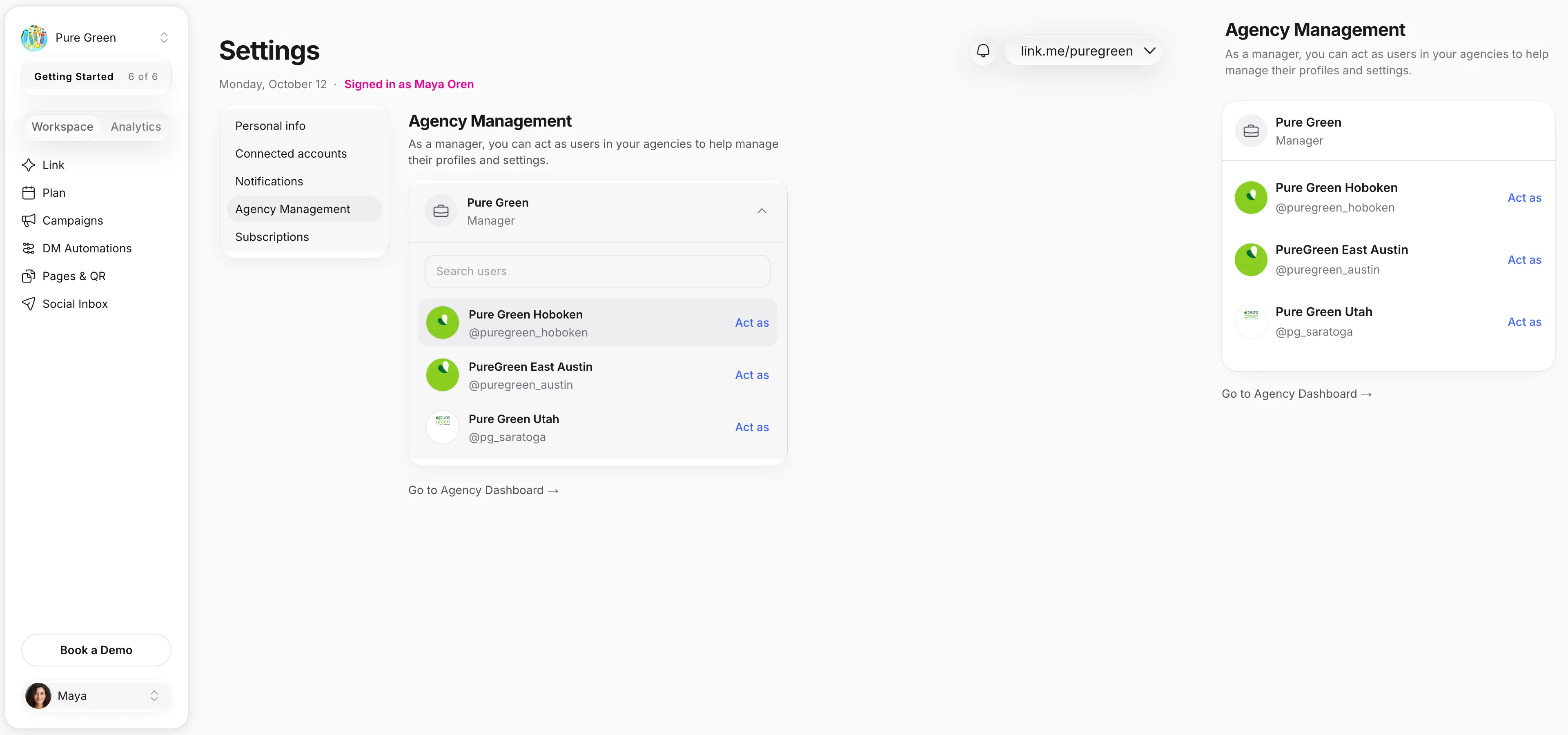
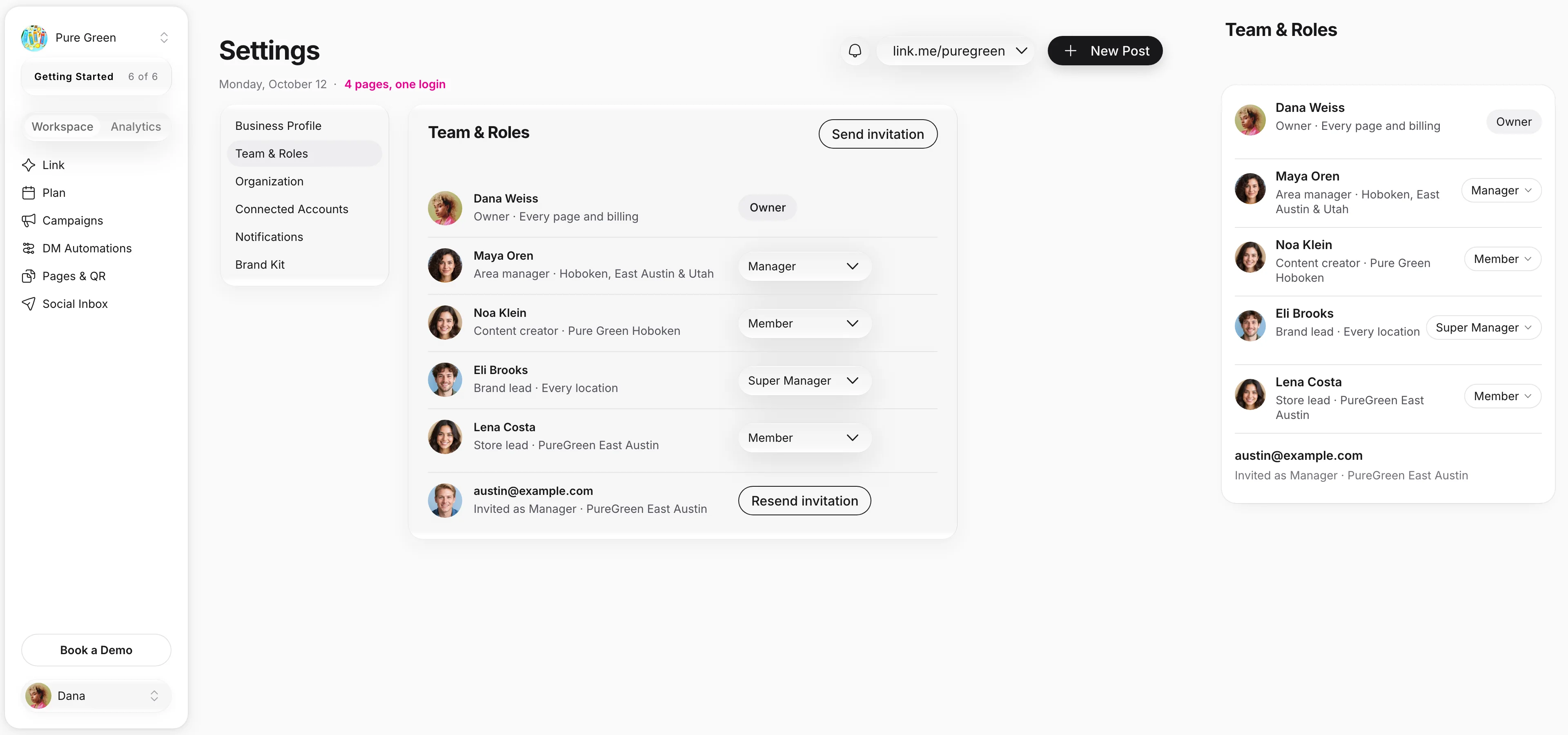
Four real groups on Linkme. At Pure Green the owner adds an area manager with access to three locations, the manager works as Pure Green Hoboken and turns on a link on its real page, and the organization tree shows Pure Green over its locations. A Triple Five Group view ranks Mall of America, American Dream and West Edmonton Mall in Unified analytics over 30 and then 90 days. Papi Steak works as its Las Vegas page, opens that page's own QR code, then steps back out to both cities' pages. Groot Hospitality steps into LIV Miami and back out to every brand it runs, each page with its managers.
01A page per locationEach location keeps its own Linkme page, link, QR code and leads.
02One login over allEvery page in one account. Work as any of them in a click.
03Access per managerEach manager opens the pages they run, and nothing else.
04Every location side by sideUnified analytics ranks every page.
Used by the brands people line up for
FIFA World Cup
Mall of America
New York Islanders
One account, every location
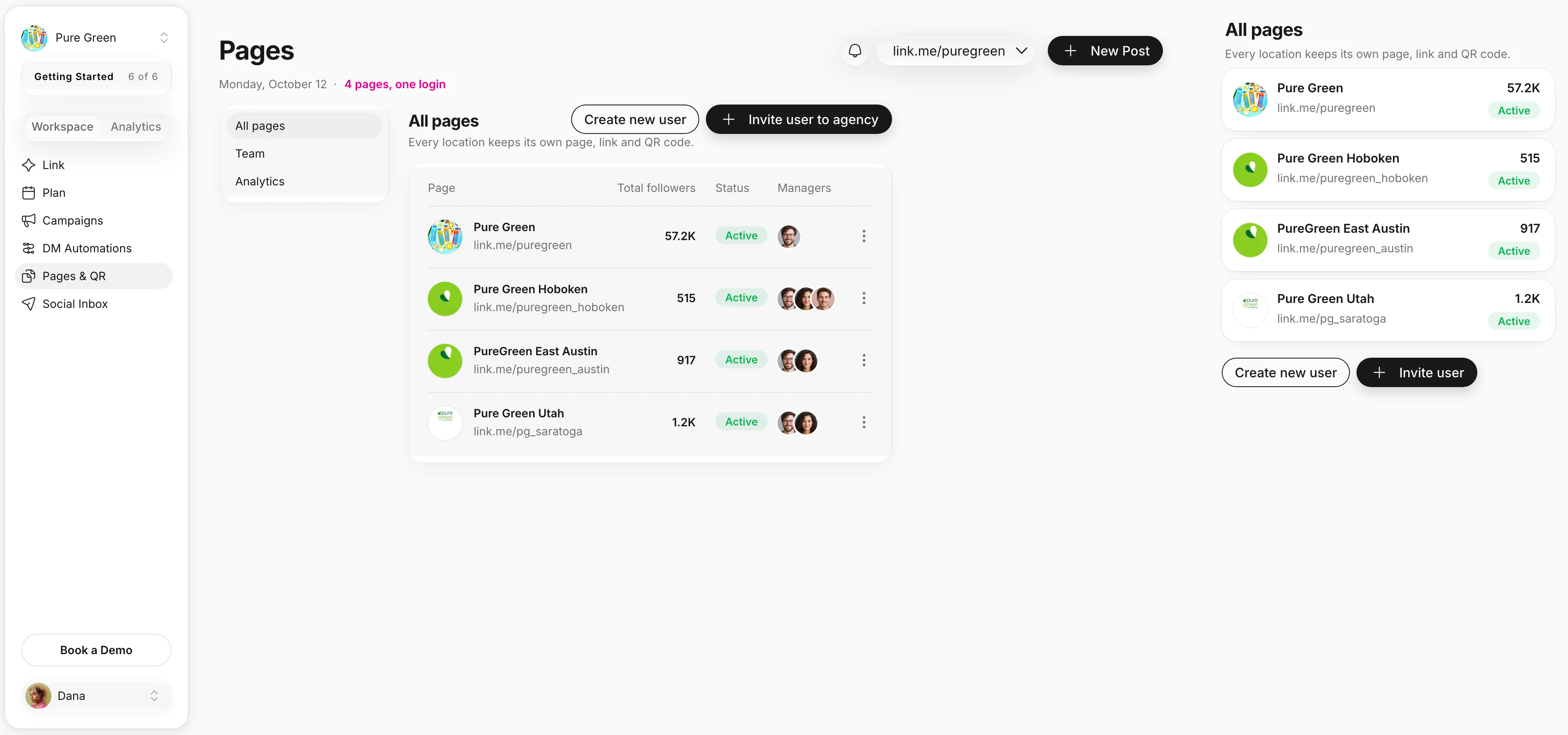
The page list and what each row can do, who runs which pages, the group tree and a QR code for every page, in one Linkme account.
Every location in one list
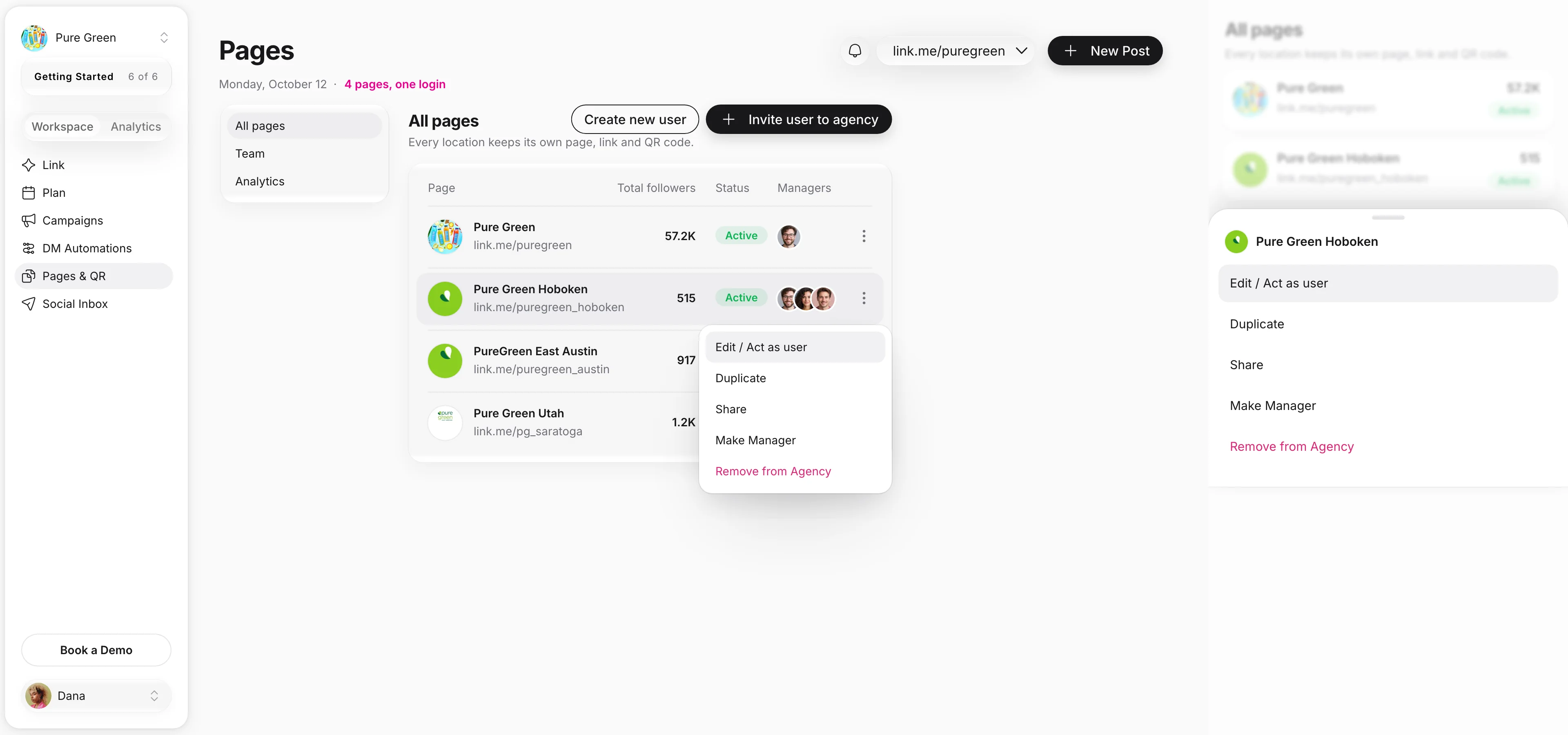
Multi-location runs on the Linkme agency workspace: the group is the account, and every location is a page in it. Each row opens its own actions: work as the page, duplicate it to start the next store, share its link, or make someone its manager.
Four kinds of groups, one login
Real Linkme pages from four groups, and how a team like each one runs them from one account. Who runs what in each case is illustrative.
Pure GreenJuice franchise with a page per locationFranchises
A page and a QR code for every store
1Every store keeps its own Linkme page, link and QR code.
2Maya runs Hoboken, East Austin and Utah with Specific Users Access.
Each store keeps its own page, and head office still sees all four.
When Maya accepts, her own Linkme account lists the three stores she was given, each with Act as. The brand page and every other location stay with head office.
Specific Users Access: only the pages you assign
All Users Access: every current and future page
Every location side by side
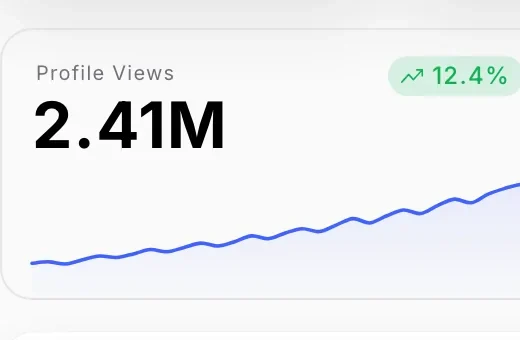
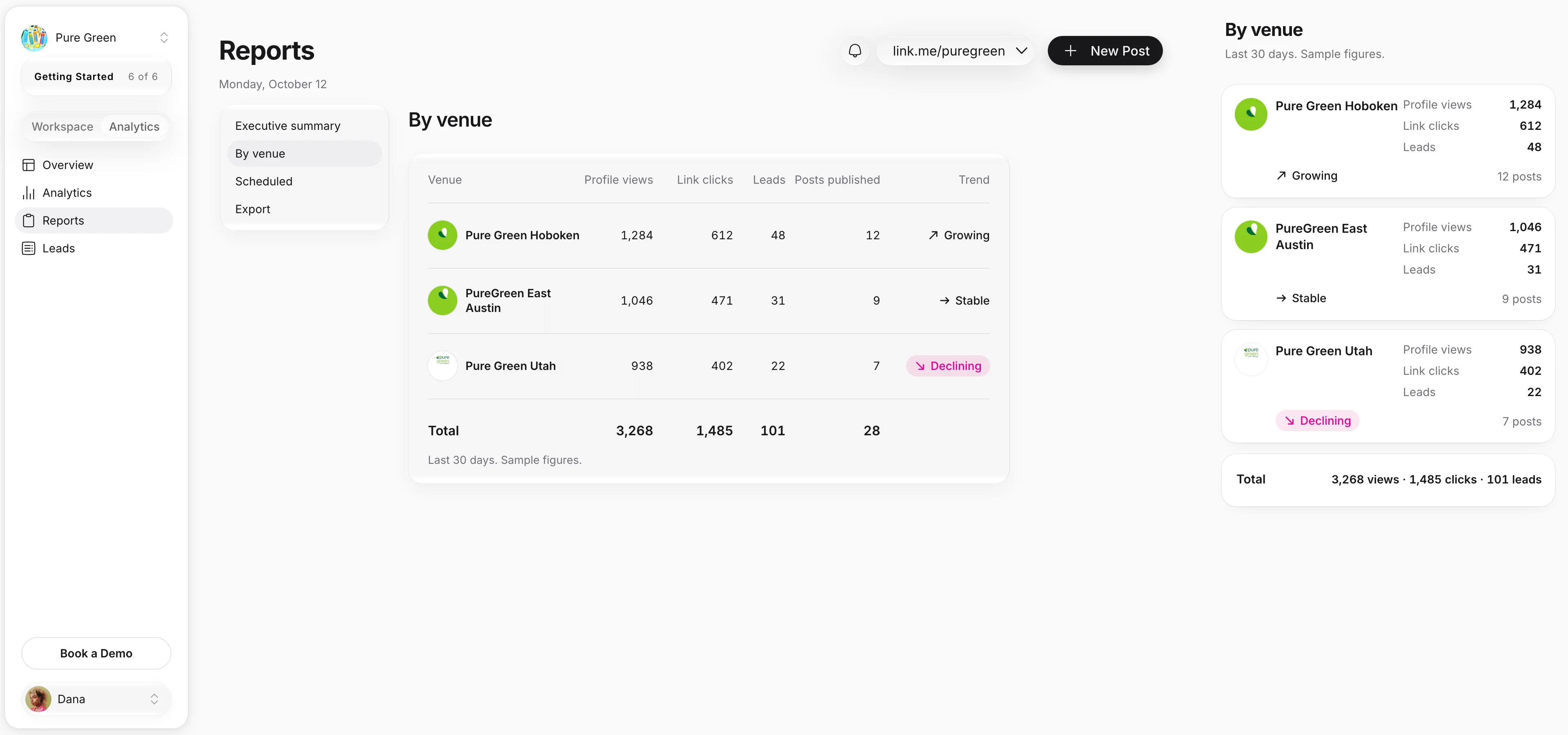
Every page has its own analytics, and Unified analytics ranks every page by profile views, link clicks and click rate. Reports by page add leads, posts published and a trend for each location.
Every page has its own analytics
Unified analytics ranks every page
Built for the group and every location team
Every location sits in one account. Owners keep billing and every page, managers run the pages they are given, and each page keeps the full Linkme toolkit. Here is what it takes.
1. Book a 30 minute callOne of our experts walks your team through it and gets you live the same day.
2. Add every locationCreate a page for each location, or duplicate an existing location's page to start the next one.
3. Invite your managersEach manager gets the locations they run: profiles, Post to All, Automations and Leads. Inbox and agency administration stay with head office.
A role for each personGive each person a role: Owner, Super Manager, Manager or Member.
Many logins, or one group on Linkme
What changes when every location sits in one account: one way in, the right access for each manager, and every location in view.
The jobBy hand, or with separate toolsWith Linkme
Getting into each location’s pageBy handA shared password per location, kept in a spreadsheet.With LinkmeOne login, and work as any page from the list.
Who can change whatBy handHand over the whole account, or nothing.With LinkmeA manager who opens only the pages they run (Specific Users Access).
Seeing every locationBy handScreenshots from each page, pasted into a deck.With LinkmeEach page’s analytics and Unified analytics.
Triple Five Group runs three destinations on Linkme
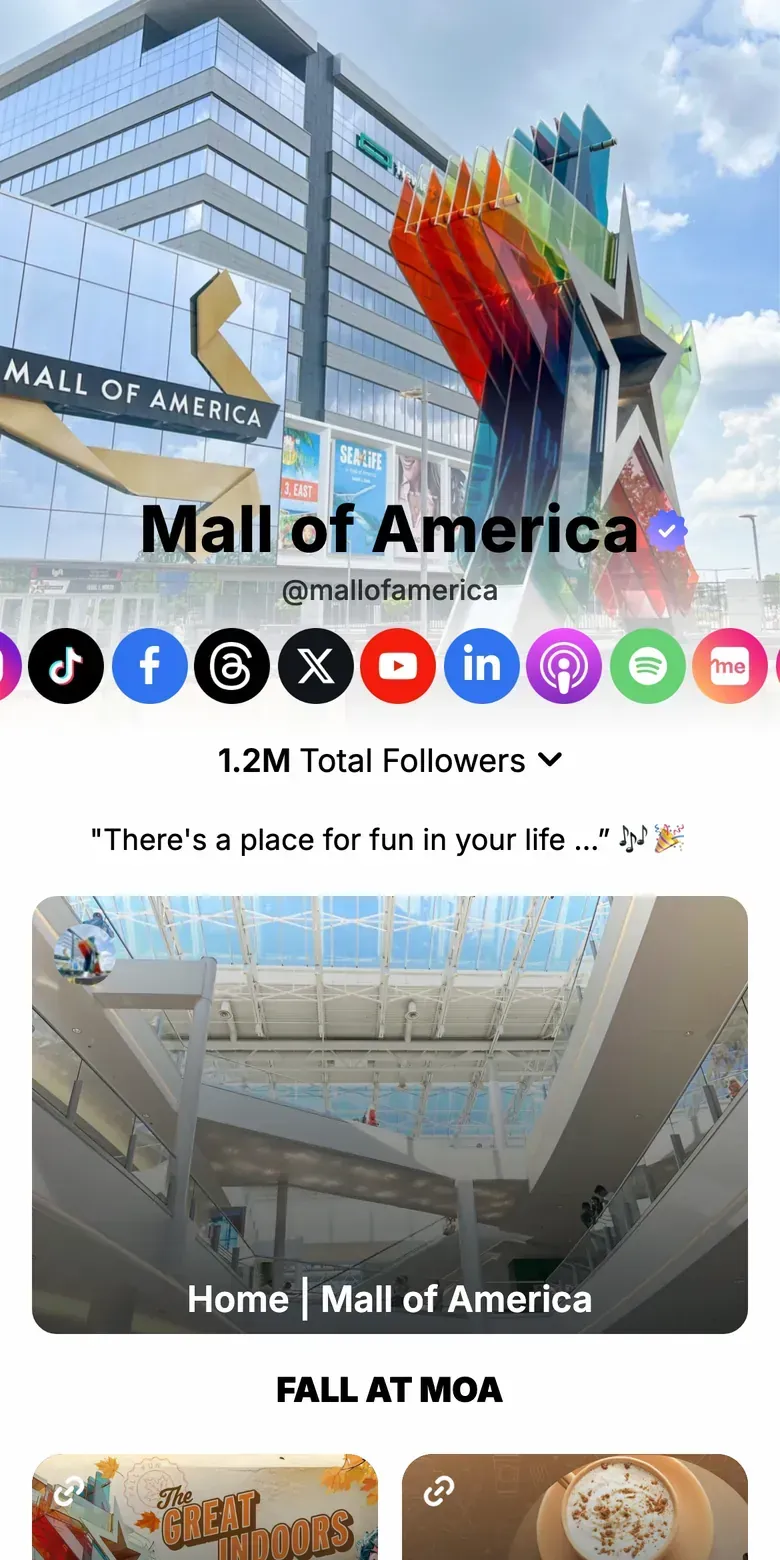
Mall of America, American Dream and West Edmonton Mall each keep a Linkme page of their own, with their own link, QR code and audience. Mall of America’s page leads with seasonal events and tickets, then the directory, dining and parking.
Each destination keeps its own page, link and QR code
Mall of America 1.2M and American Dream 1.1M total followers, read off their pages
One group behind all three
Mall of America
“Linkme gives our properties a cleaner, more modern, and measurable way to guide social media traffic while creating a better experience for our customers across American Dream, Mall of America, and West Edmonton Mall.”
Each location is its own custom link.me page: unlimited on every Business package.
Who sets it up?
You do, from one account: add a page for each location, then give each manager access to the pages they run. Or book a 30 minute call and one of our experts gets you live the same day.
Can each location keep its own page and link?
Yes. Every location runs its own Linkme page with its own link, QR code, leads and analytics, and one account holds them all. A location’s contacts stay on its own page, and its manager can export them as a CSV.
Who can see what?
Owners control the whole account, including billing. A Super Manager runs every page. Other managers work only on the pages they are given: Specific Users Access for chosen pages, or All Users Access for every current and future page. People you invite show as Invited until they accept.
Can a location manager edit only their page?
Yes. Give them Specific Users Access to their location. They get full access to that page’s profile, Post to All, Automations and Leads, and nothing else. Inbox and agency administration are not included.
Can we compare locations?
Yes. Every page has its own analytics, and Unified analytics ranks every page by profile views, link clicks and average click rate over 7, 30 or 90 days.
Can the group work on a location’s page directly?
Yes. Choose Edit / Act as user to work on that page as the location, then Exit Acting Mode to return to the group.
Can we add a location that is not on Linkme yet?
Yes. Create a new user for it from the account, or Duplicate an existing location’s page to start from it, then build the page by acting as it.









 With Linkme