

How to use every Linkme feature
21 step by step guides, from your first post to running an agency. Each one shows the feature itself and the steps to take in your Linkme dashboard.
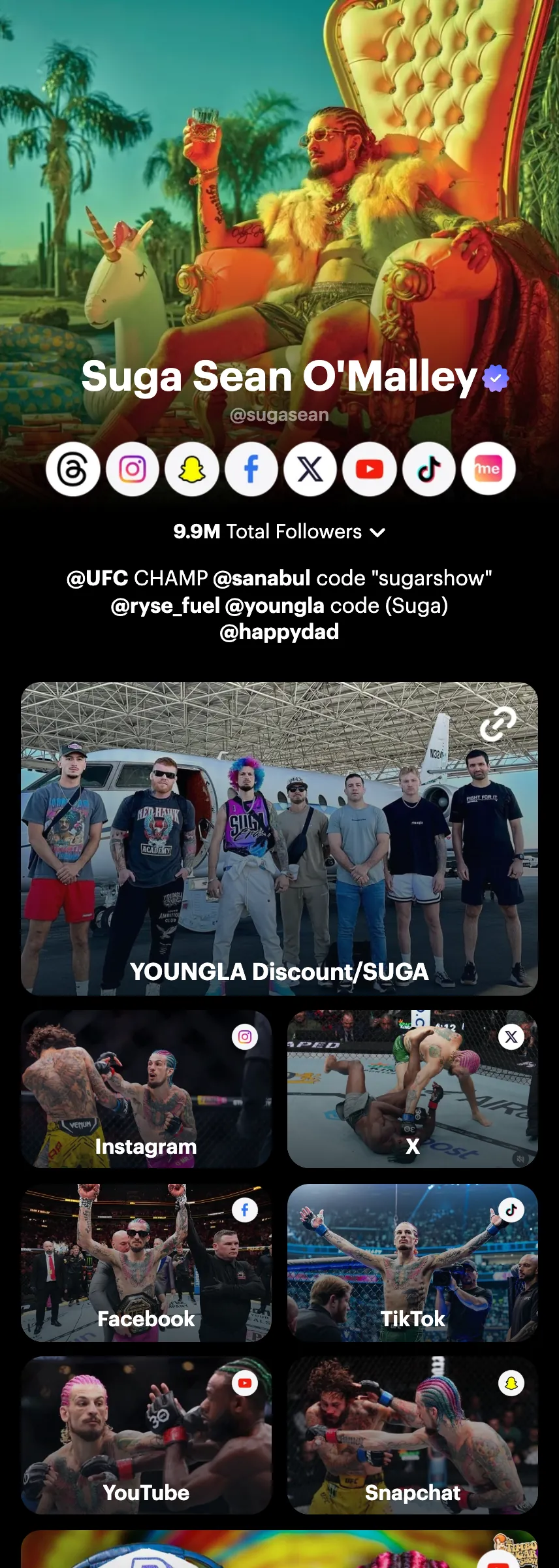
Publish
Post everywhere at once and answer every comment.
Grow your audience
Know who visits your page and keep in touch with them.
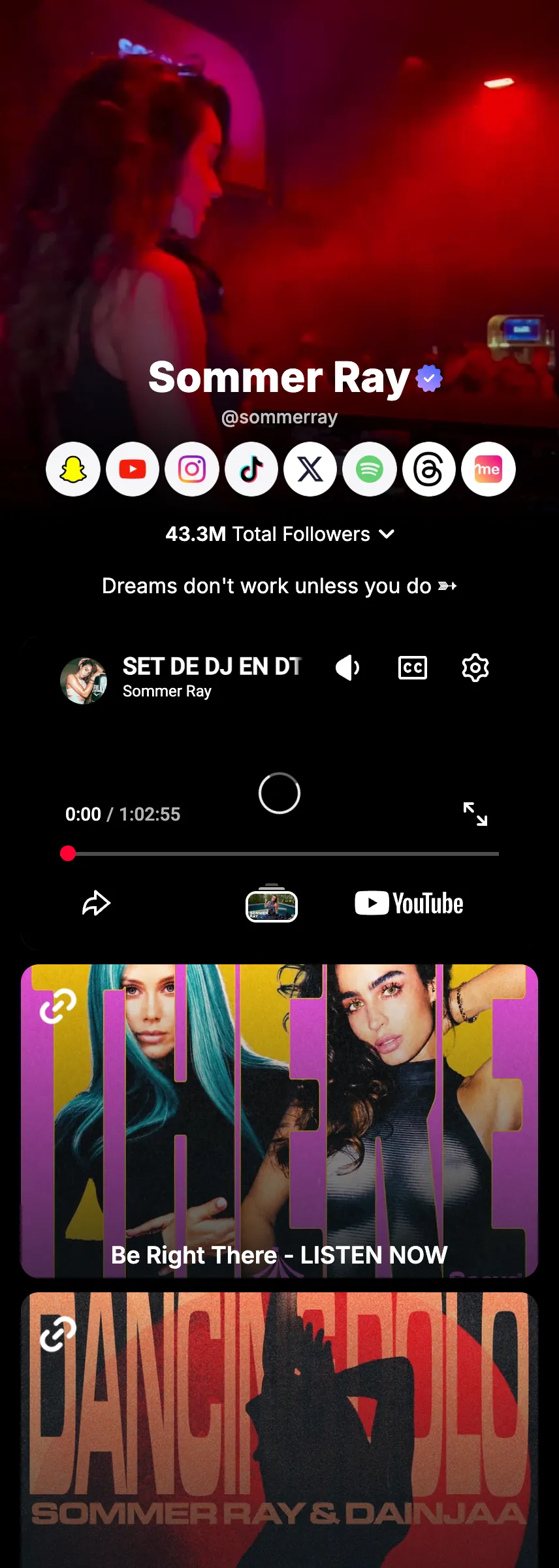
Make money
Sell products, merch and courses, and take tips, from your page.
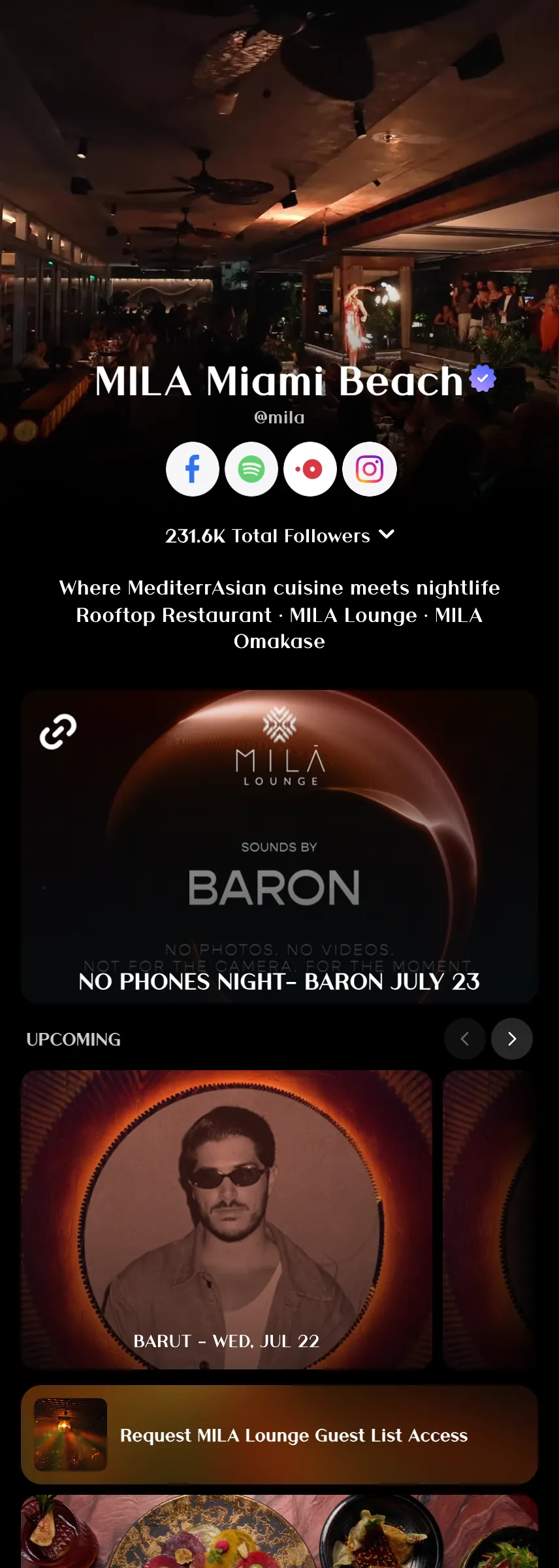
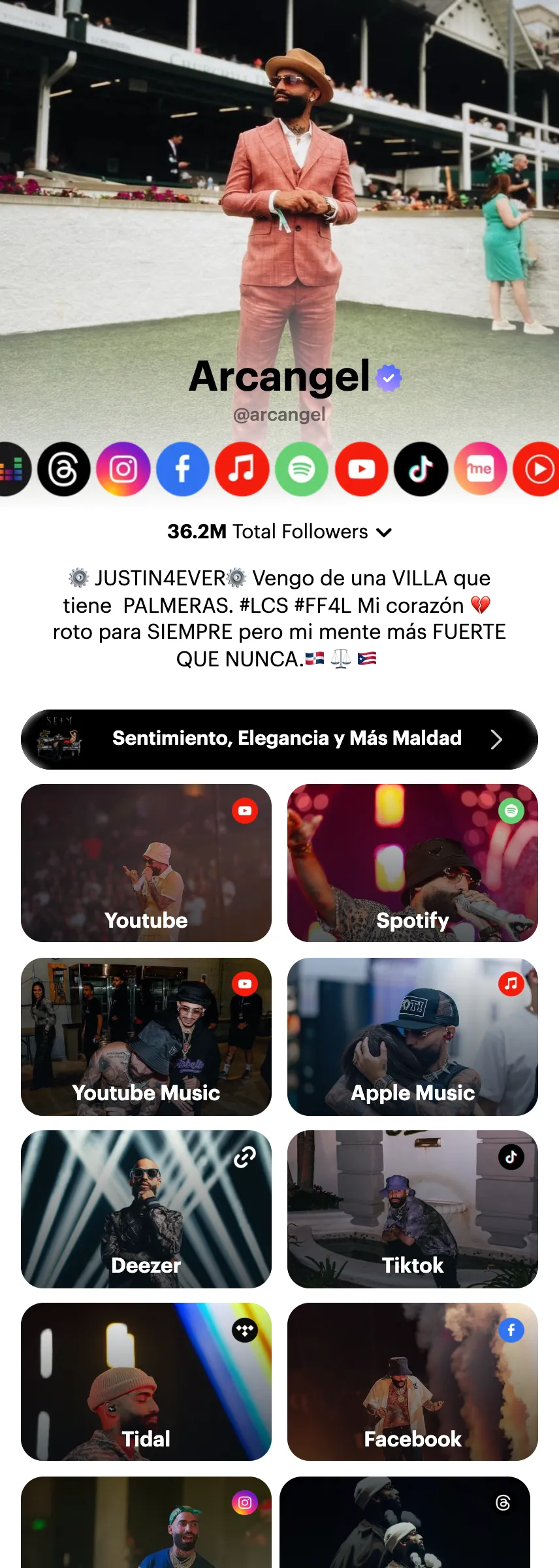
Build your page
Everything people find when they open your Linkme.

Build your page
Links & websites
Everything you want people to find, one tap away.
Read the guide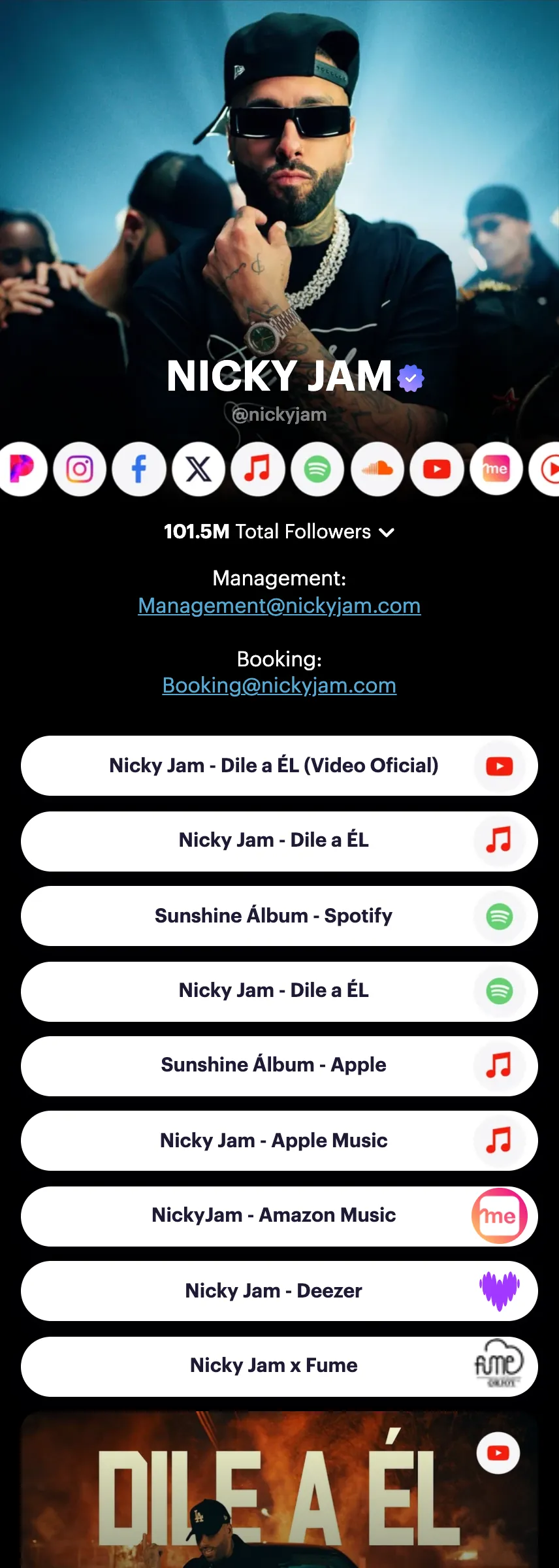
Build your page
Smart music link
One link. Every platform. Let fans stream anywhere.
Read the guide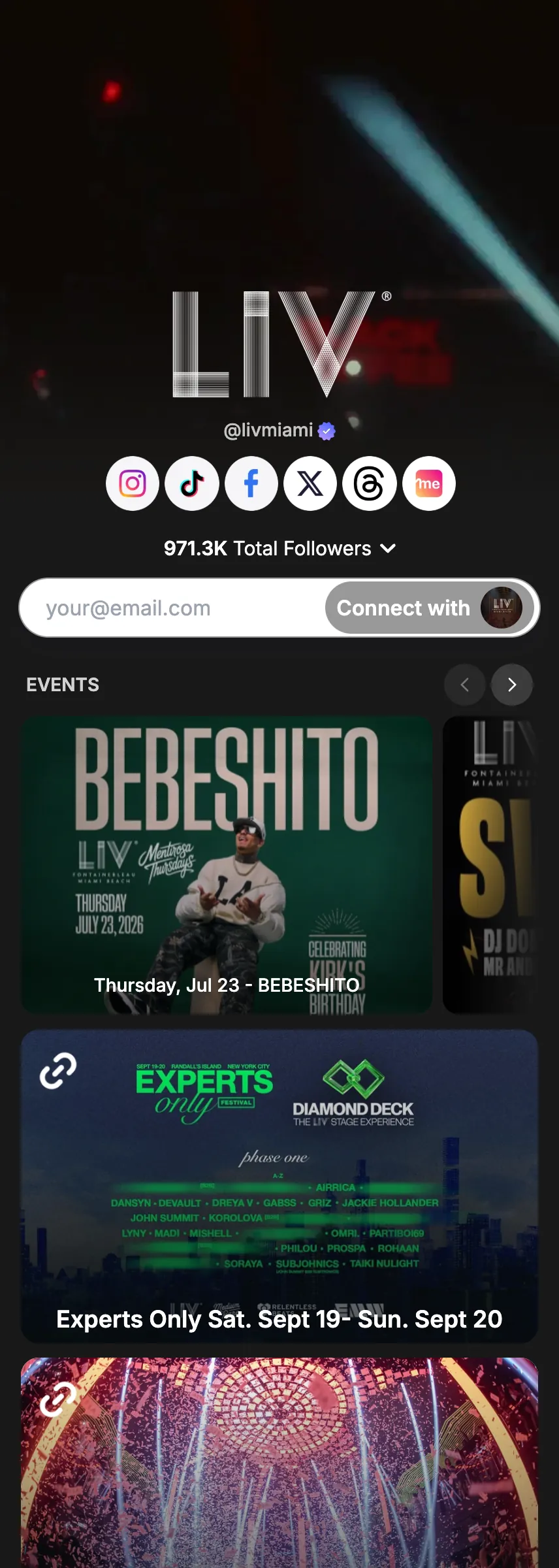
Build your page
Tickets & events
Your shows. Your fans. One link.
Read the guide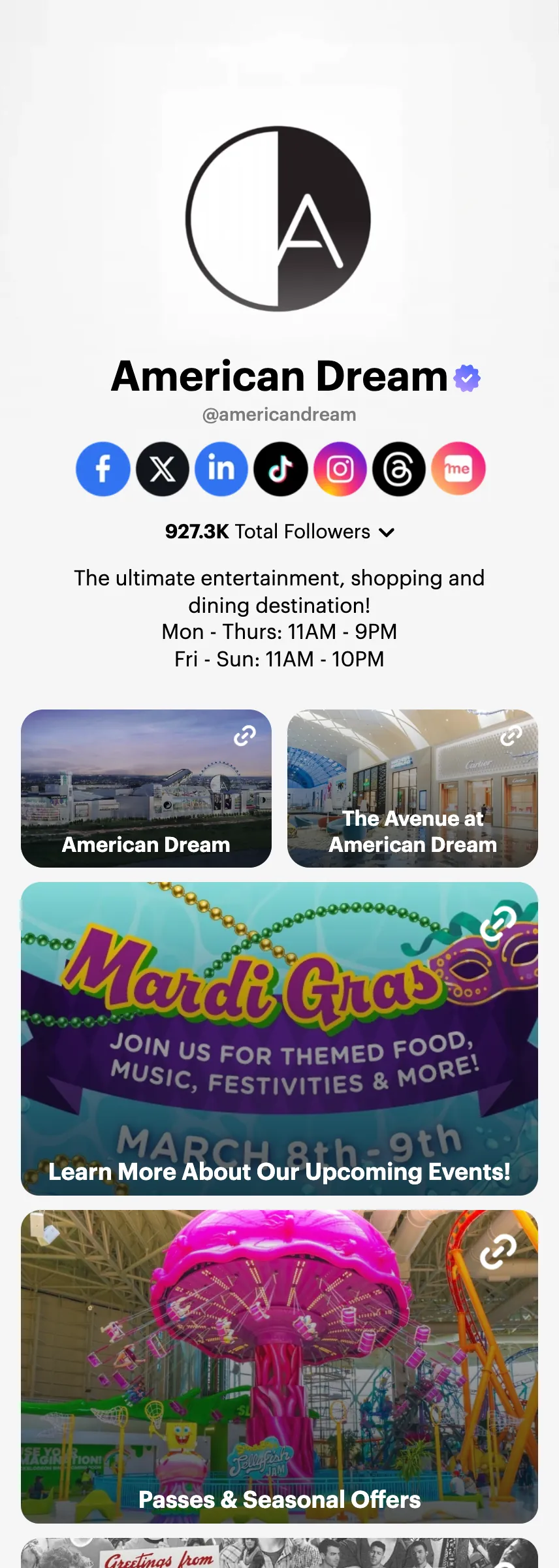
Build your page
Link scheduler
Set it once. Live exactly when you want.
Read the guideManage at scale
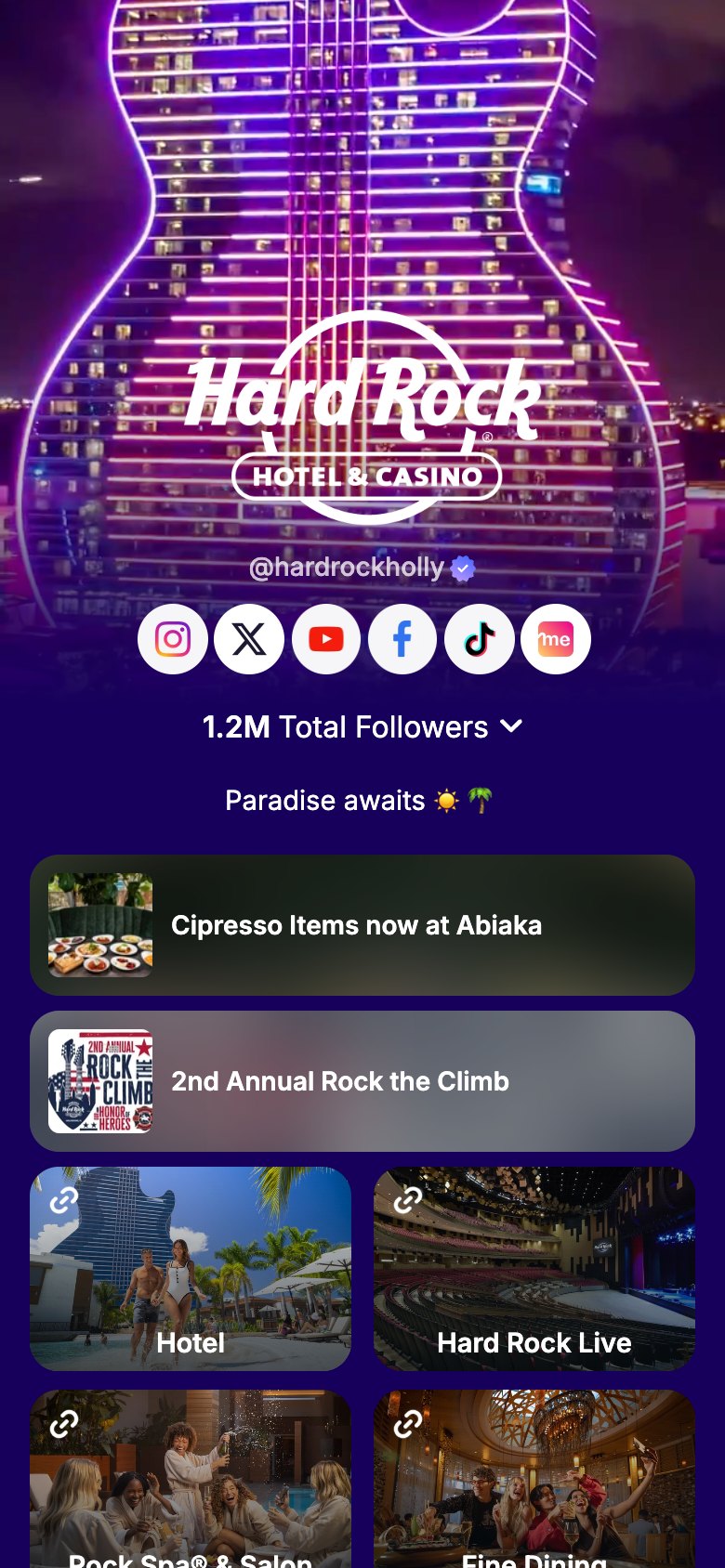
Many profiles under one login.
Run a business team
Roles, approvals, the inbox and reports for a whole team.
Run a business team
Link and AI credits
Link does the work. You approve every step.
Read the guide
Run a business team
Team roles
Give each person on your team the right access.
Read the guideRun a business team
Post approvals
Every post checked before it goes live.
Read the guideRun a business team
Social inbox setup
Comments and DMs in one inbox your team shares.
Read the guideRun a business team
Email sender setup
Set who your emails come from before you send.
Read the guide
Run a business team
Multi-location rollout
Bring every location onto Linkme, one at a time.
Read the guide
Run a business team
Reporting
Reports shows how your business did this period against the last one, page by page. Download it as a CSV to share with your team.
Read the guideTry every feature on your own page.
Claim your link.me in a minute. The free plan needs no card.